Marcin Mazureknarzędzia online · artykuły · księgarniaRSS
Okładka: Installation and Configuration of IBM FileNet Information Management Software

Installation and Configuration of IBM FileNet Information Management Software

Autor: Alan Bluck

Helionebook

76,49 zł 84,99 zł -10%

Kup w księgarni Helion

Czytaj fragmentPobierz PDF

Kategorie
Apache, Windows Server, Zarządzanie bazą danych
Wydawca
BPB Publications
Rodzaj
ebook
Stron
772
Data wydania
2023-07-26
ISBN
9789355513366
Formaty
ePub (61,2MB) · Mobi (61,2MB)

Fragment książki — 30 stron

Kliknij stronę, żeby powiększyć. Całość możesz przeczytać online albo pobrać jako PDF. Fragment udostępniony przez wydawcę.

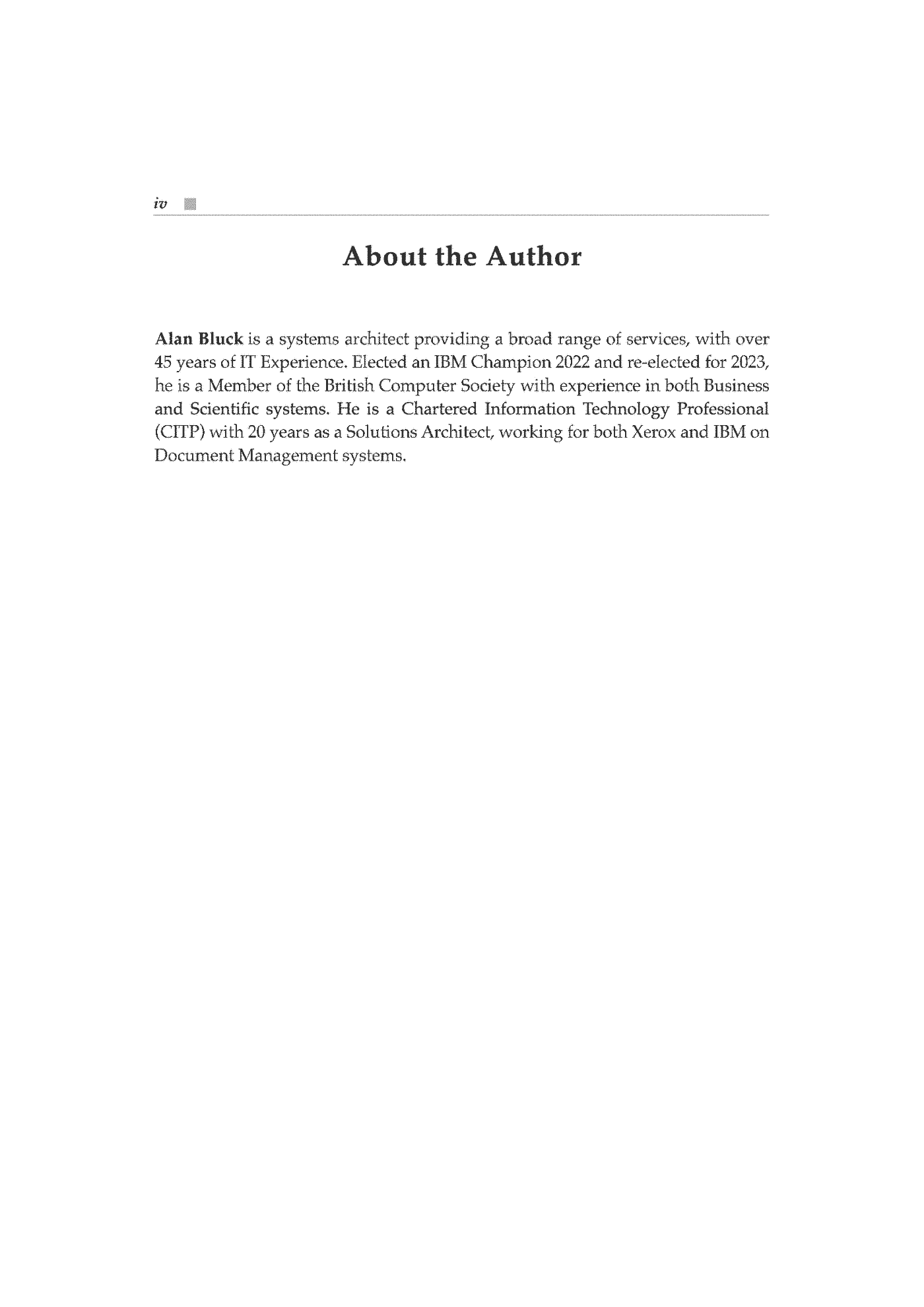
  • Fragment „Installation and Configuration of IBM FileNet Information Management Software” — strona 1 z 301
  • Fragment „Installation and Configuration of IBM FileNet Information Management Software” — strona 2 z 302
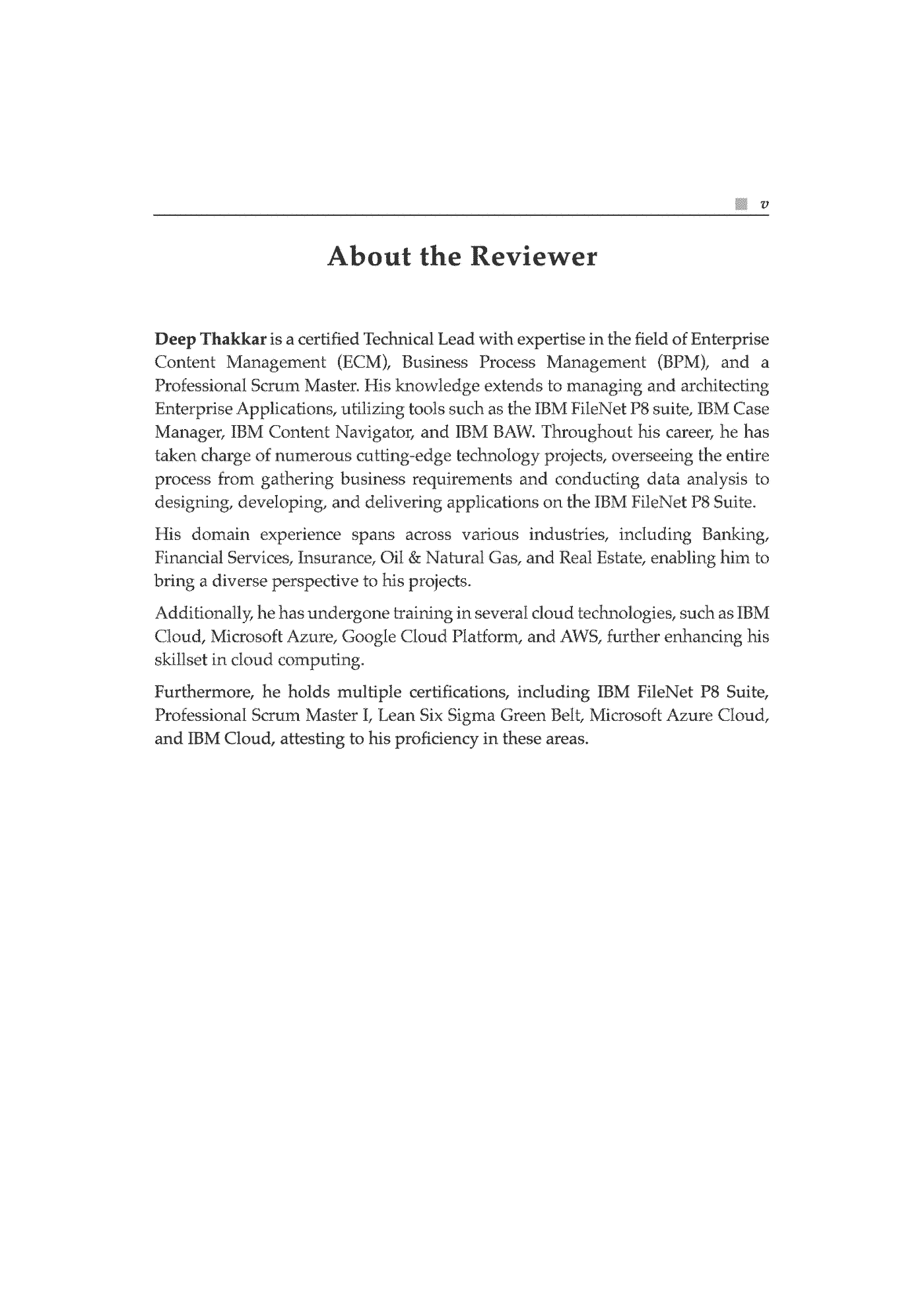
  • Fragment „Installation and Configuration of IBM FileNet Information Management Software” — strona 3 z 303
  • Fragment „Installation and Configuration of IBM FileNet Information Management Software” — strona 4 z 304
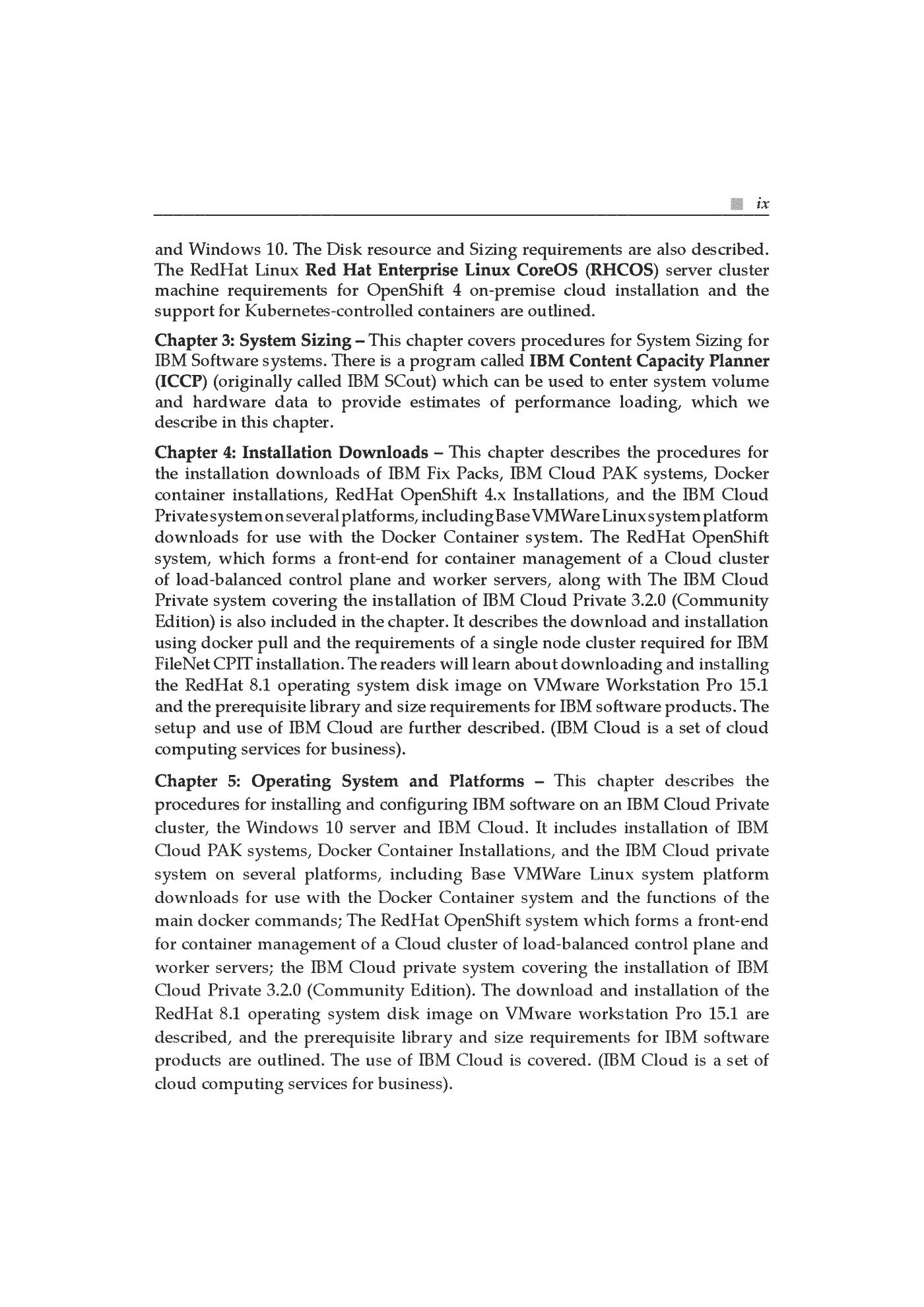
  • Fragment „Installation and Configuration of IBM FileNet Information Management Software” — strona 5 z 305
  • Fragment „Installation and Configuration of IBM FileNet Information Management Software” — strona 6 z 306
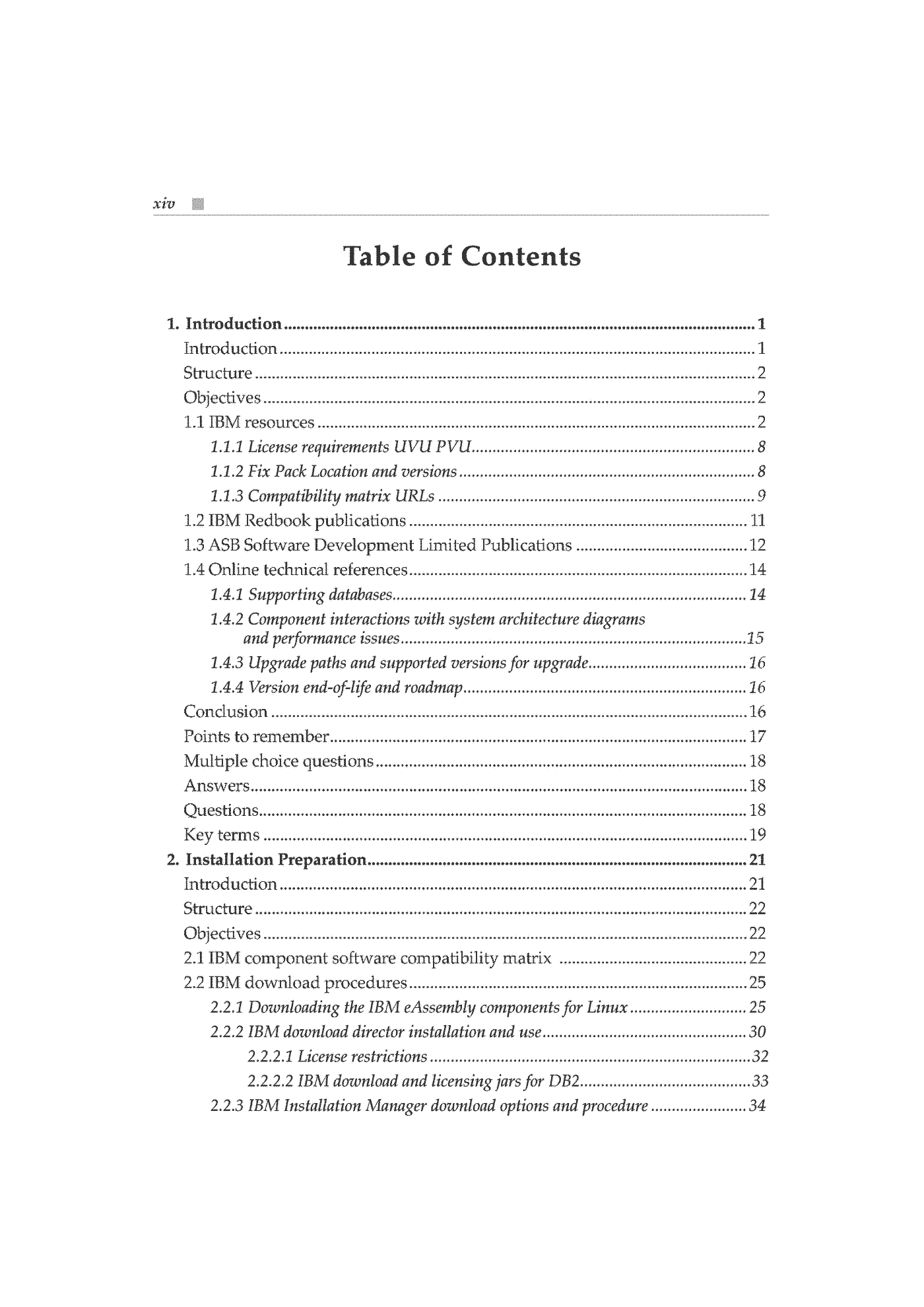
  • Fragment „Installation and Configuration of IBM FileNet Information Management Software” — strona 7 z 307
  • Fragment „Installation and Configuration of IBM FileNet Information Management Software” — strona 8 z 308
  • Fragment „Installation and Configuration of IBM FileNet Information Management Software” — strona 9 z 309
  • Fragment „Installation and Configuration of IBM FileNet Information Management Software” — strona 10 z 3010
  • Fragment „Installation and Configuration of IBM FileNet Information Management Software” — strona 11 z 3011
  • Fragment „Installation and Configuration of IBM FileNet Information Management Software” — strona 12 z 3012
  • Fragment „Installation and Configuration of IBM FileNet Information Management Software” — strona 13 z 3013
  • Fragment „Installation and Configuration of IBM FileNet Information Management Software” — strona 14 z 3014
  • Fragment „Installation and Configuration of IBM FileNet Information Management Software” — strona 15 z 3015
  • Fragment „Installation and Configuration of IBM FileNet Information Management Software” — strona 16 z 3016
  • Fragment „Installation and Configuration of IBM FileNet Information Management Software” — strona 17 z 3017
  • Fragment „Installation and Configuration of IBM FileNet Information Management Software” — strona 18 z 3018
  • Fragment „Installation and Configuration of IBM FileNet Information Management Software” — strona 19 z 3019
  • Fragment „Installation and Configuration of IBM FileNet Information Management Software” — strona 20 z 3020
  • Fragment „Installation and Configuration of IBM FileNet Information Management Software” — strona 21 z 3021
  • Fragment „Installation and Configuration of IBM FileNet Information Management Software” — strona 22 z 3022
  • Fragment „Installation and Configuration of IBM FileNet Information Management Software” — strona 23 z 3023
  • Fragment „Installation and Configuration of IBM FileNet Information Management Software” — strona 24 z 3024
  • Fragment „Installation and Configuration of IBM FileNet Information Management Software” — strona 25 z 3025
  • Fragment „Installation and Configuration of IBM FileNet Information Management Software” — strona 26 z 3026
  • Fragment „Installation and Configuration of IBM FileNet Information Management Software” — strona 27 z 3027
  • Fragment „Installation and Configuration of IBM FileNet Information Management Software” — strona 28 z 3028
  • Fragment „Installation and Configuration of IBM FileNet Information Management Software” — strona 29 z 3029
  • Fragment „Installation and Configuration of IBM FileNet Information Management Software” — strona 30 z 3030

Opis

The definitive guide to installing and configuring IBM FileNet Information Management software KEY FEATURES Get guidance on installation and configuration, including troubleshooting. Prepare thoroughly for installation to ensure a smooth and successful deployment. Install or upgrade Case Manager, Content Search, Case Analyzer, Monitor Dashboard, and WebSphere. DESCRIPTION Whether you're a beginner or an experienced administrator, this book will help you master the installation and configuration of IBM FileNet Information Management software. This book provides detailed instructions and practical techniques for preparing, configuring, and deploying IBM software products. From IBM BAW 18.0 and IBM Security Directory Suite 8.x to IBM Content Search Services 5.5.x and Oracle 12C, this book covers the essential prerequisites and installation processes for each system platform. You'll also learn about setting up supporting systems like IBM Case Manager and IBM Workflow Center and integrating components like WebSphere, IBM Content Navigator, and Case Monitor Dashboard. By the end of the book, you will have acquired the necessary knowledge and skills to effectively prepare, configure, and deploy different IBM software products. WHAT YOU WILL LEARN Learn how to access the comprehensive list of IBM Resources and Technical References. Understand the procedures for IBM Installation downloads and using the Software Compatibility Matrix. Get familiar with the tools available for system monitoring, such as the IBM SCout tool for System Sizing. Download, prepare, and successfully install IBM Fix Packs, IBM Cloud systems, and RedHat OpenShift. Know how to install and set up IBM Directory Services Security for Users and Groups. WHO THIS BOOK IS FOR This book is for IT consultants, systems and solution architects, and data analysts and developers who need to document proposals for the sizing and requirements of IBM software products for banks and insurance companies. It also provides guidance on document management, workflow, and case management solutions. TABLE OF CONTENTS 1. Introduction 2. Installation Preparation 3. System Sizing 4. Installation Downloads 5. Operating System and Platforms 6. Security and Users 7. IBM BAW 21.0.3 Upgrade Installation from BAW 18.6.1.19002 8. Cloud Based Systems 9. IBM Security Directory Server for IBM Content Foundation 10. Installing IBM WebSphere 9.0.5.14 11. Problem Resolution Procedures and Installing DB2 11.5.7 12. Installing IBM Content Foundation 5.5.10 13. Installing Content Navigator 3.0.13 and Case Manager 5.3.3 14. Importing the Case Manager Solution 15. Configuring the Case Manager Solution 16. Installing and Configuring IBM Content Search Services 5.5.10 17. Installing and Configuring IBM Case Analyzer 5.5 and IBM Case Monitor Dashboard 5.3.3
Linki do księgarni są linkami partnerskimi Grupy Helion i Księgarni PWN (przez sieć Adtraction). Ceny i dostępność pochodzą z oferty wydawcy i mogą się zmienić.